Conquer the Ride.
Stay Connected.
The ultimate ultra-low latency, peer-to-peer intercom application for motorcyclists. Communicate with your riding group flawlessly over a local hotspot or Wi-Fi network with absolutely no cellular data, no network coverage, and no router internet required.
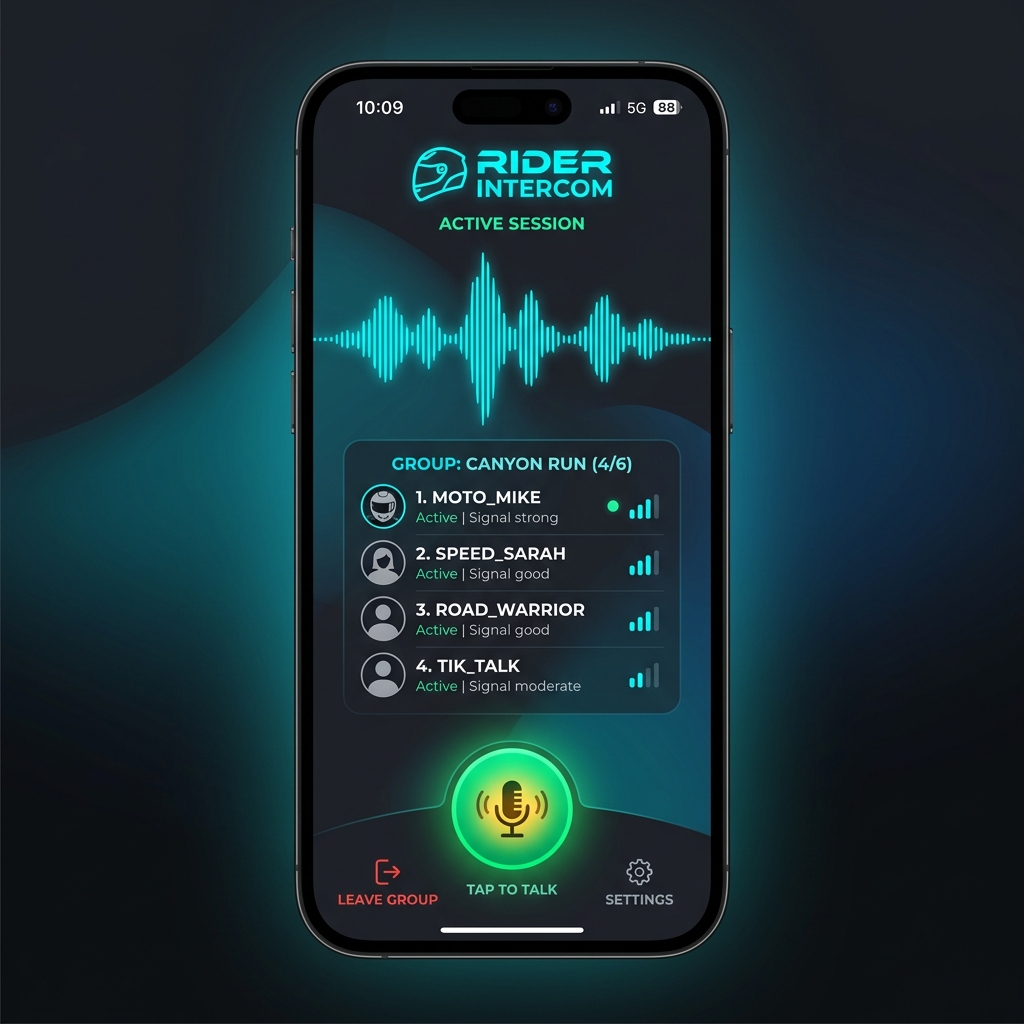
Engineered for the Open Road
Designed to withstand the most demanding outdoor environments and provide reliable, crystal-clear communications in regions with zero signal.
Zero Cellular Signal Needed
Works anywhere on Earth—deep canyons, high mountains, or isolated deserts. One phone emits a local hotspot, others connect. Zero data plan consumption.
Instant WebRTC Audio
Utilizes advanced Peer-to-Peer WebRTC technology directly over local TCP sockets. Delivers crystal-clear voice communication with ultra-low latency and zero buffering.
Automatic Screen Wake Lock
Equipped with reactive screen lock suspension so that your screen remains active during high-speed rides. Provides instant hands-free monitoring of connected riders.
Active Developer Console
Built-in real-time diagnostic console. Monitor handshakes, local IP discovery, and network events on the fly, giving you full visibility of your connectivity.
Seamless Offline P2P Setup
No routers or cell towers needed. Connect your devices in seconds using one of two offline local network methodologies.
Host Setup
The Host turns on their phone's Portable Wi-Fi Hotspot in settings (no mobile/cellular data is needed; leave data OFF to save battery).
Riders Connect
All other riders go to their Wi-Fi settings, locate the Host's hotspot name, and connect to the network.
Start Host
Host opens the app, enters their display name, and clicks START INTERCOM HOST. The Host's local IP address (typically 192.168.43.1) is displayed.
Riders Join
Other riders open their app, enter the Host's IP, and click JOIN INTERCOM SESSION. Microphones link instantly over local WebRTC!
Connect Router
Connect all phones to the same Wi-Fi router (e.g. at your home or basecamp). The router does not need an active DSL or fiber internet connection.
Identify IP
The designated Host clicks START INTERCOM HOST. The app automatically detects their router IP (e.g., 192.168.1.15) and displays it.
Input & Join
Other riders input the Host's exact IP address into their "Host IP Address" field and click JOIN INTERCOM SESSION. Your group audio session is immediately active.
Build & Install in Seconds
Rider Intercom is open source and built using React Native. Follow these simple steps to build the APK and deploy it to your Android device directly from the codebase.
Make sure your Android device has **USB Debugging** enabled and is plugged into your system.
Ready for Your Next Road Trip?
Download the latest release and connect with your riding buddies with absolutely zero cell network costs or subscription fees.
DOWNLOAD ANDROID APK